










In-Person Giving

A donation point in every pocket.

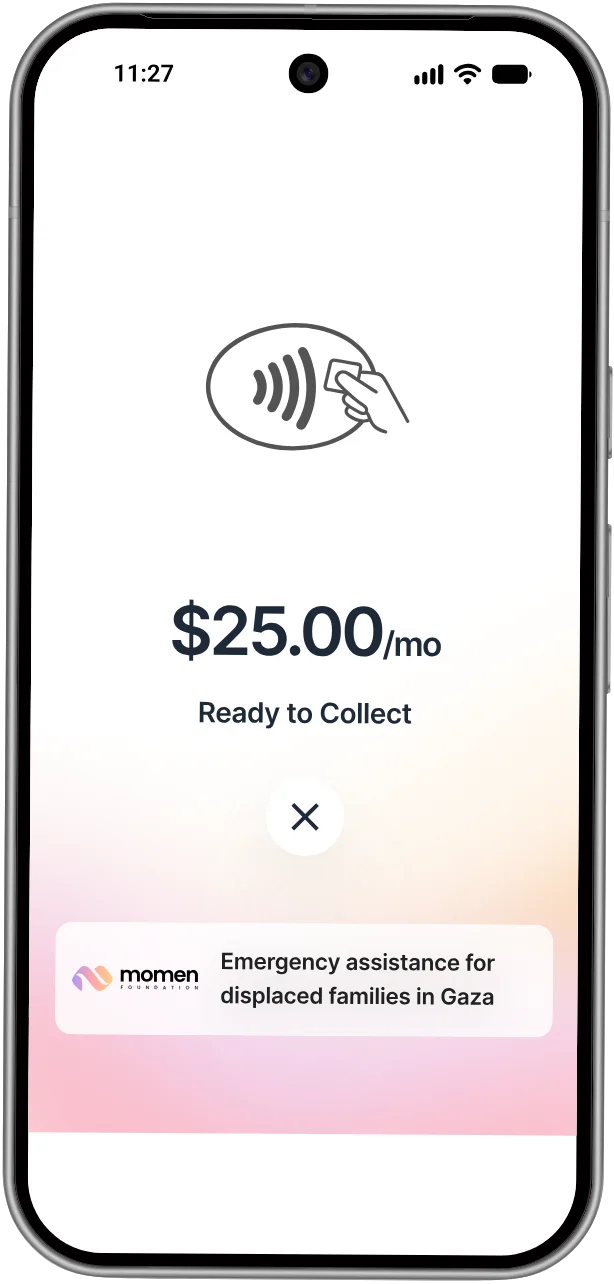
Take Tap to Pay donations on the phones your team already carries. Nothing to buy or ship.

Download on the App StoreGet it on Google Play

When you need more collection points than you have devices.

A volunteer holds up a phone running Nizam Collect while a donor taps a card, outside a busy event

At your busiest events, what you raise depends on how many people can take gifts. Collect puts a terminal in the pocket of everyone on your team, staff and volunteers. If you already run a StandPro or Handheld, Collect adds more hands for the rush, on the same ledger.

Built for a line of donors

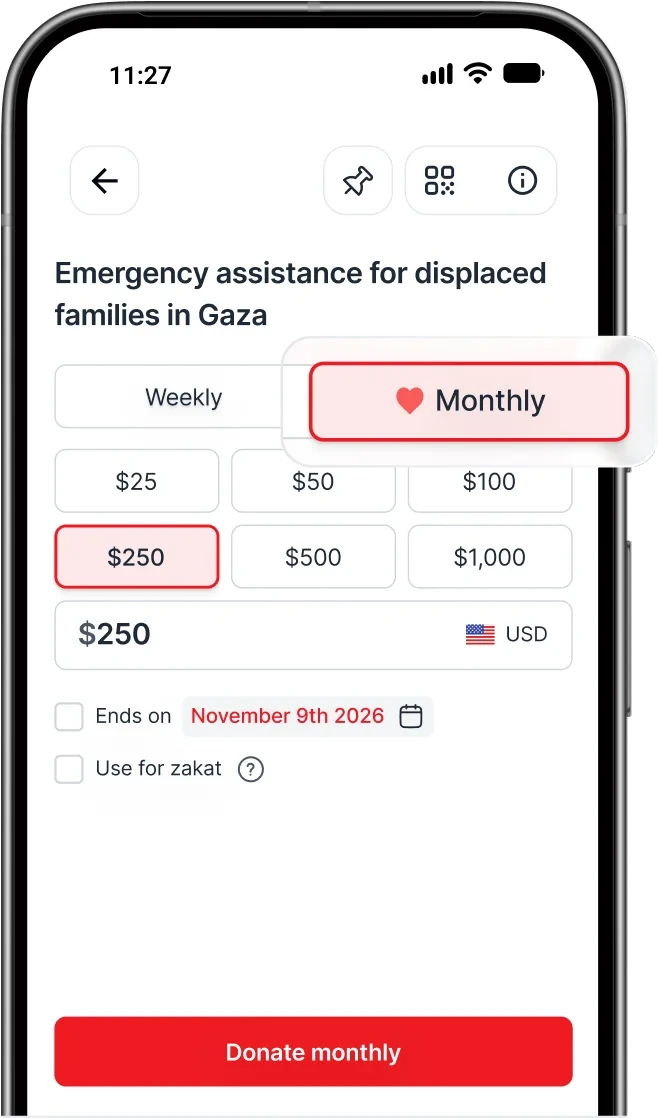
The Collect donation screen: preset amounts, a monthly option and a Donate button
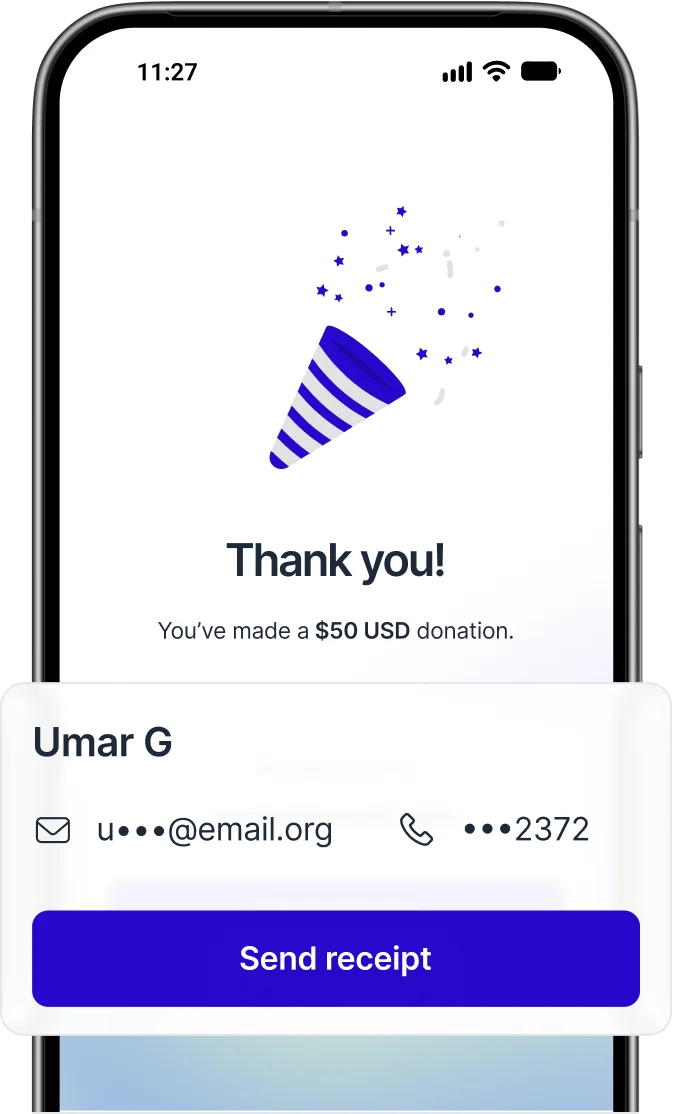
The thank-you screen recognising a returning donor, with their email and phone masked
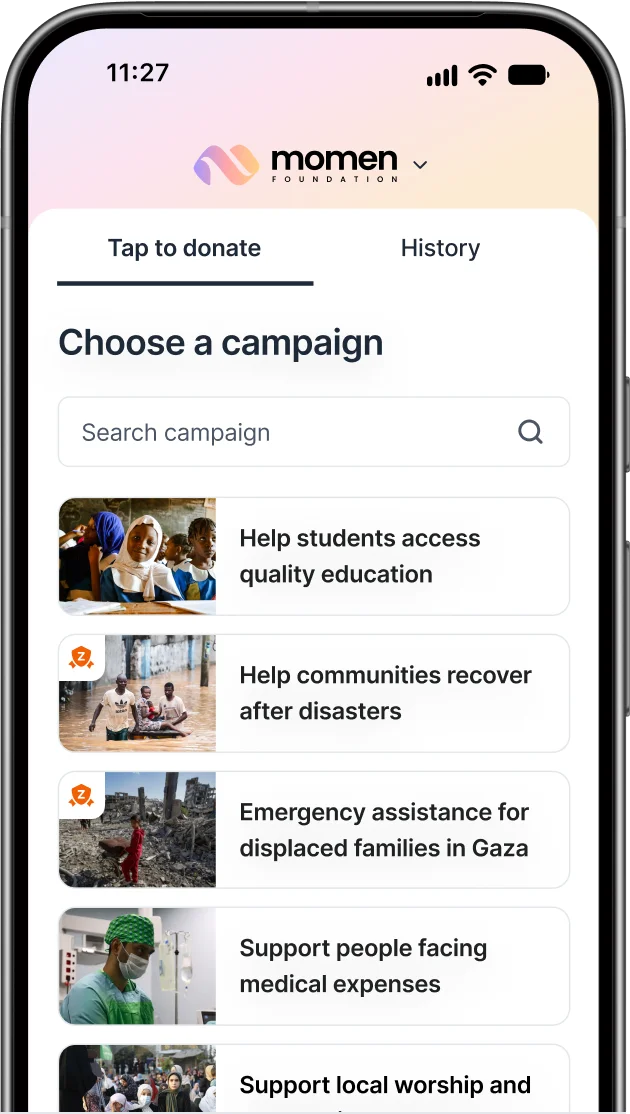
The campaign list in Collect, with a Zakat-eligible campaign marked
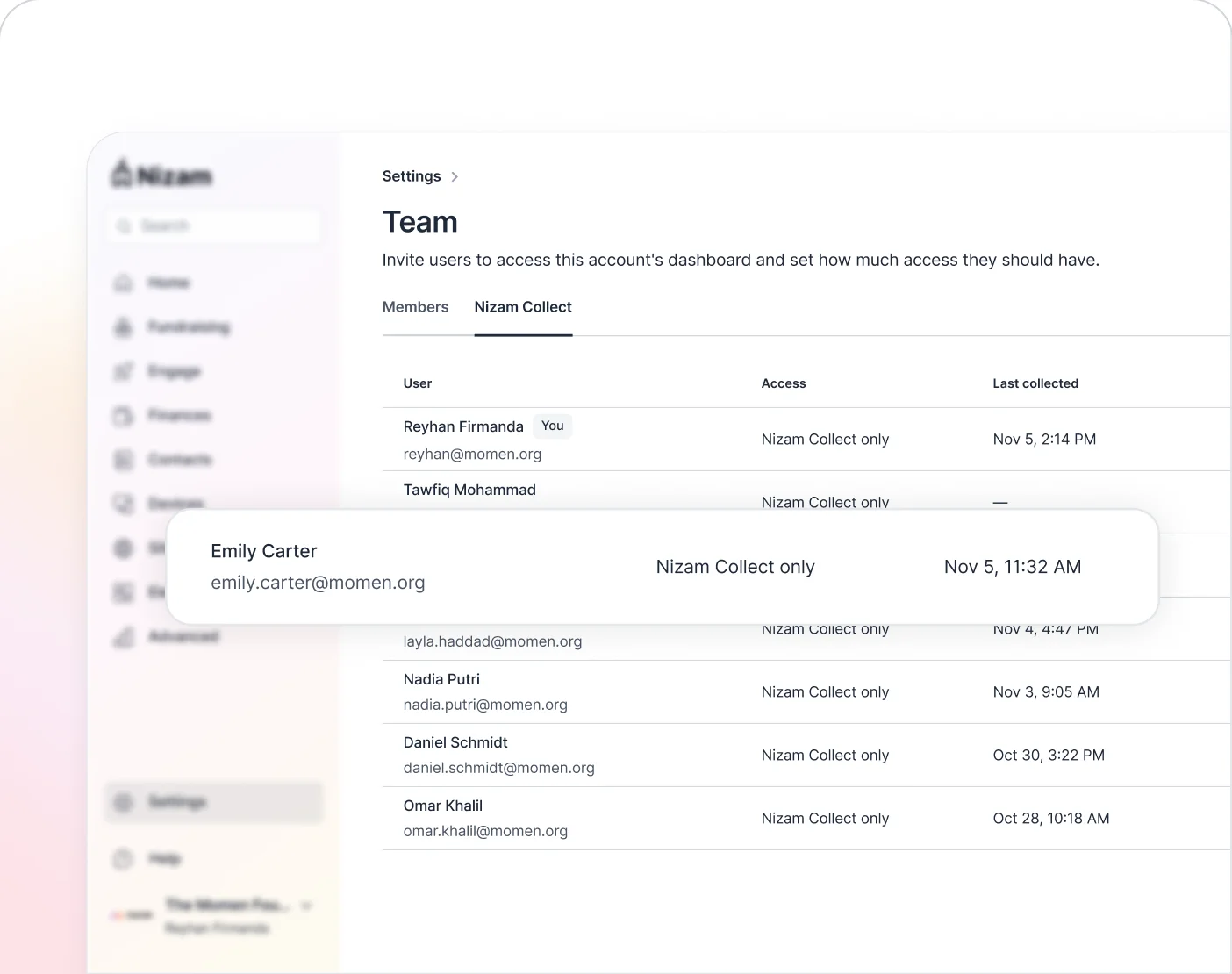
The Team page in the Nizam dashboard, listing everyone with Collect access and when they last collected

Your team sees only what they need

A staff member or volunteer invited to collect sees the campaigns you enabled for Collect and the gifts they took. They never see your donor list, your finances or your settings. Remove anyone with one click when the drive is over, and see when each person last collected.


The Collect app’s dashboard: total raised, a chart, and the Finances, Fundraising and Contacts menu

Your dashboard, in your pocket

Admins who sign in to Collect get your Nizam dashboard in the app. Check how the appeal is going, look up a payment, or ask Nizam AI who gave this week. Get alerts when a payout lands or a StandPro goes offline.

Same ledger as everything else

A gift taken in Collect is the same record as a gift from a StandPro, a Handheld or your website. One report, one payout, one receipt, one CRM sync.

Up and running in three steps

  1. 1

    Turn it on

    In the dashboard, enable Nizam Collect and choose which campaigns appear in the app.

  2. 2

    Invite your team

    Add each staff member and volunteer by email under Team → Nizam Collect. They get an invitation, create a Nizam account if they don’t have one, and sign in to the app.

  3. 3

    Start collecting

    They pick a campaign, enter the amount, and the donor holds a card or phone to theirs. The gift is on your dashboard at once.

Control stays with you

You choose who collects, for which campaigns, and for how long. The phone is just the reader.

  • Your money, your account

    Every gift settles to your organization, never to the person holding the phone. Nobody on your team handles cash or funds.

  • Your campaigns, your rules

    Suggested amounts, fee coverage and what donors are asked are set once in the dashboard. Every collector follows the same rules and none of them can change them.

  • Nothing stored on the phone

    No card number, donor detail or money is kept on the device, so a lost phone takes nothing of yours with it.

Frequently asked questions

Does my team need card readers?

No. Tap to Pay works on supported iPhones and Android phones with nothing extra.

Can staff or volunteers see our donor data?

Volunteers never get your dashboard or donor list. In the app, they only see the campaigns you turn on for Collect and the gifts they took themselves, and you can hide those too. Staff see what their Nizam role already allows.

Which phones work?

iPhone XS or newer on iOS 16.4 or later, and Android 11 or later with NFC. Older phones can use a Stripe Reader M2.

Does it need Wi-Fi?

No. Each phone uses its own data connection.

How is this different from the Handheld?

The Handheld is a managed device your organization owns. Nobody signs in, so there’s no one to invite or remove: set the campaign from your dashboard and every Handheld picks it up within a minute. We can restart and troubleshoot it remotely. It also takes pledges and has its own cellular connection. Collect runs on the phones your team already carries, for the days you need more collection points than devices.

See Collect in action

We’ll show you a live tap, set up your first campaign and invite your first collector, all on one call.